ERPNext Edition
ERPDesktop, built for ERPNext.Devices, branches, and apps. One platform.
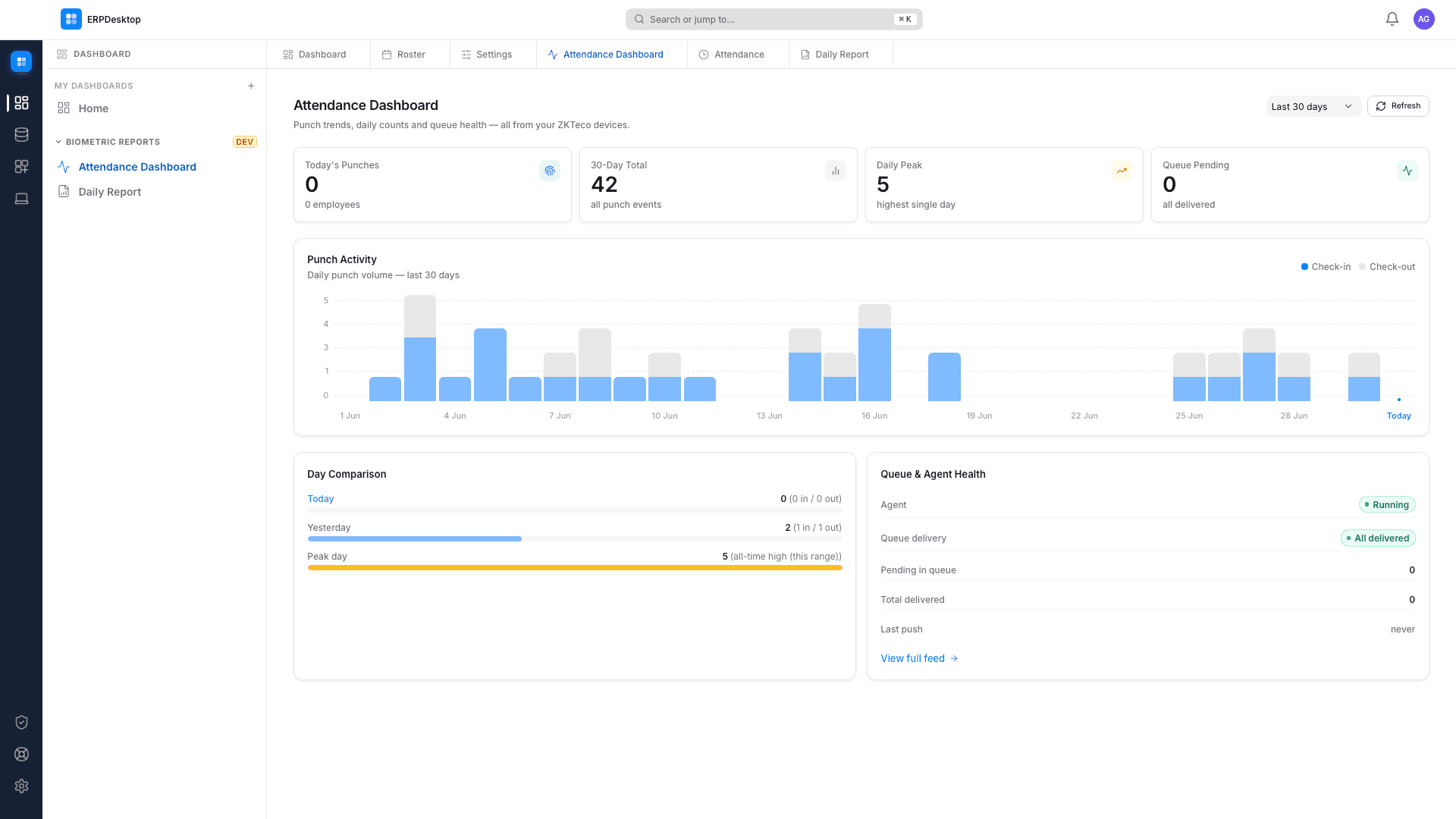
Marketplace app · ZKTeco Attendance
Every punch lands in your ERP.
The ZKTeco Attendance app from the Marketplace sits between your devices and your ERP — ERPNext or Odoo. Punches stream in live, buffer through outages, and reconcile on reconnect — with automatic failover when a machine goes down. Not a single punch lost.
- 09:01:14Sita SharmaIN
- 09:01:52Ram ThapaIN
- 13:02:08Anish K.C.OUT
- 13:47:31Sita SharmaOUT
Thermal printing
From print format to paper. One click.
Receipts, barcodes, and labels print straight from your ERP print formats over ESC/POS, ZPL, and EPL. Sub-second, direct to the device, drawer included.
HIMALAYAN TRADERS
Thamel, Kathmandu
Local backups
Your data, on your own metal.
One-click backups of your ERP site into an AES-256 encrypted local vault, synced hourly. When you need yesterday back, it's on a disk you own.
- site-backup-0703-0900.bnbakAES-256218 MB
- site-backup-0703-0800.bnbakAES-256217 MB
- site-backup-0703-0700.bnbakAES-256217 MB
Platform · Marketplace + Fleet
A lean core. Apps for everything else.
ERPDesktop itself stays small: connection, printing, backups, fleet. Device integrations like ZKTeco ship as Marketplace apps — the admin PC buys the license, assigns seats, and installs to every branch PC remotely. No walking to counters.
- Counter 1✓ installed
- Counter 2✓ installed
- Warehouseinstalling…
One control panel for the whole counter.
Everything a branch runs on — devices, instances, queues, and the health of the machine underneath — in one place, connected to your ERP.
PC fleet
The admin PC manages every branch machine — apps, licenses, and commands, remotely.
Multi-instance
All your ERP sites in one control panel. Switch instantly.
Offline queue
Work buffers locally through outages and syncs on reconnect.
- print · invoice INV-0231queued
- punch · 3 records bufferedqueued
- backup · hourly snapshotqueued
System monitor
Live server metrics and a real-time error feed from your bench.
server uptime 41d 06:12 · error feed live
Connect your site
Point ERPDesktop at your ERPNext URL and log in. It reads your doctypes over the standard REST API.
Add what you need
Printing and backups are built in. Device apps — like ZKTeco Attendance — install from the Marketplace, per branch, from the admin PC.
Run your branch
Punches, prints, and backups flow automatically. Multiple machines coordinate with failover on their own.
“We love ERPDesktop for the value it provides to our business — especially the scheduled local backups and the biometric integration. It has been a game-changer for our operations.”
